Shape how guests experience your resort
Bring your resort’s activities and experiences to life with curated maps, videos, and webcams. Present what matters to each audience and season, within the website you already have.

Give every guest a place to start
Build maps around an activity, interest, or experience level. Choose the trails, places, and amenities that belong, so guests can focus on the experience you’ve prepared for them.

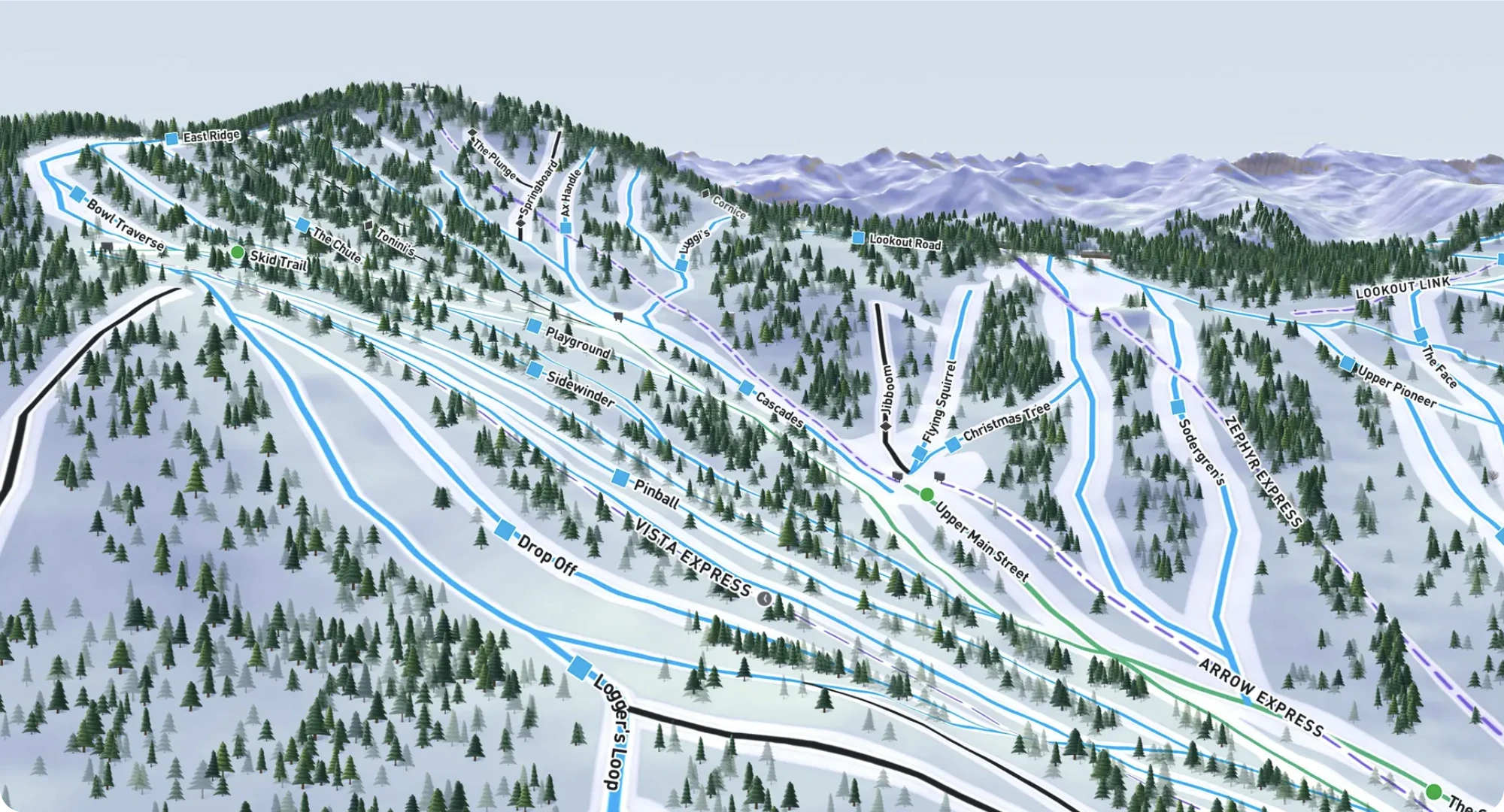

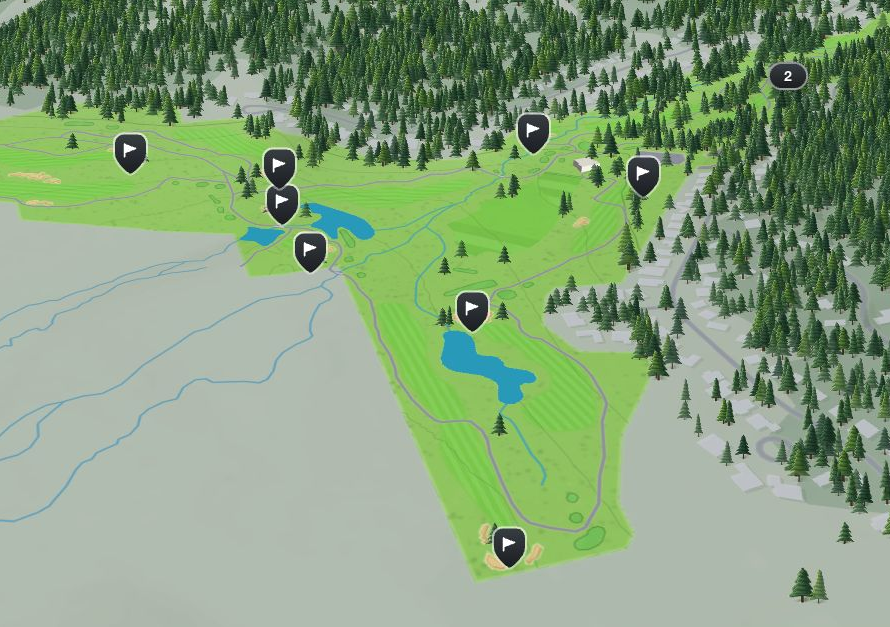
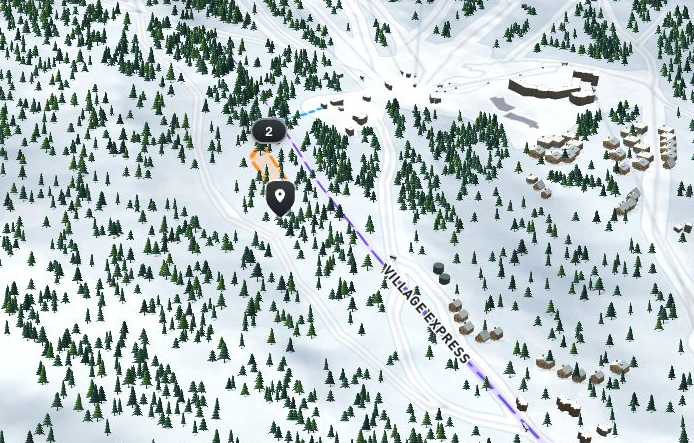
Bring arrival parking, rentals, meeting points, and places to eat into a clear starting point for new guests.
Each curated map uses your existing place information, so its hours, status, and details stay connected to the full resort map.
Bring related experiences together
Group curated maps into a collection. Guests can use tabs to switch between activities, areas, or ability levels while each map keeps its own focus.
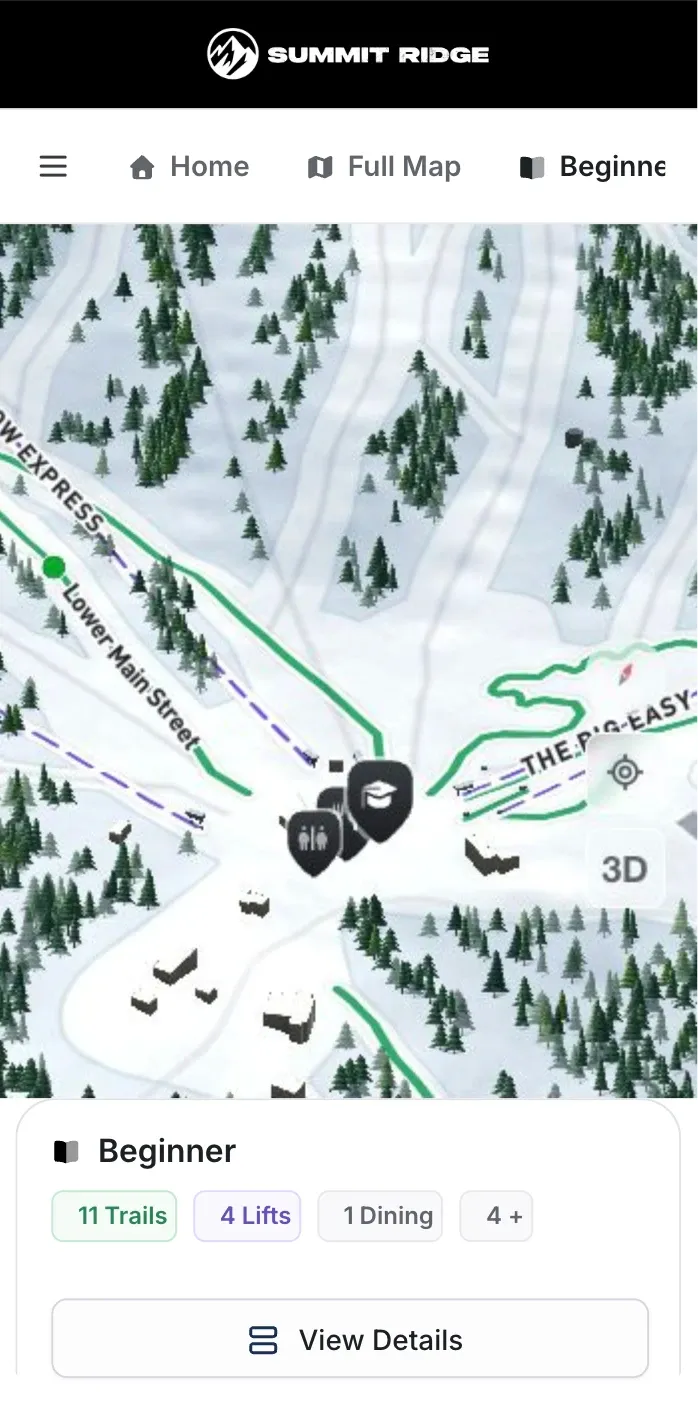
Show guests what’s waiting for them
Add trail videos, lift previews, photography, and webcams to help guests picture the experience. Give them a closer look at the places and activities they’re considering.
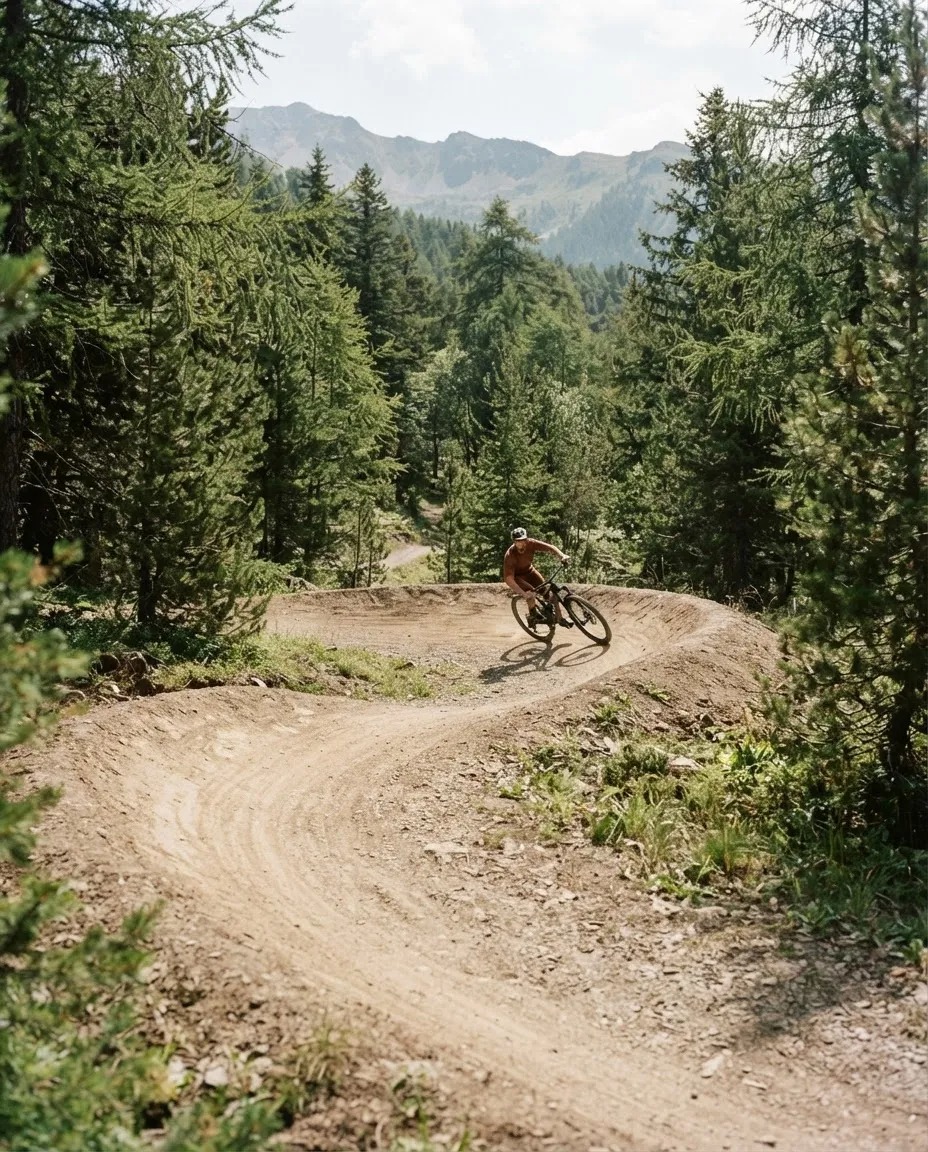
Preview the experience.
Show a trail, lift, or golf hole in motion.
See the resort now.
Bring webcam views into the guest experience.
Look beyond the map.
Use photos to introduce the places and amenities around an activity.
Change the season,
not your website
Organize your status page into groups for ski trails and lifts, bike trails, golf, and other activities. Choose which groups to show as the season changes. Your team can present what’s relevant throughout the year without rebuilding your website.

Bring Corvar into the website you already have
Add Live Blocks and embedded maps to your existing pages. Put operating information and relevant maps where guests are already looking, without a website makeover.
-
Live Blocks:
Show snow reports and terrain park status on the pages guests already visit.
-
Embedded maps:
Add a resort map or curated experience to an existing page.
-
A connected experience:
Keep the surrounding website while introducing Corvar where it helps your guests.

Frequently asked questions
How is a curated map different from our full resort map?
A curated map presents the places and activities you select for a particular audience or experience. It uses the same underlying place information as your full resort map, so your team doesn’t maintain a separate set of details for each map.
How do guests move between maps in a collection?
Guests use tabs to switch between maps in a collection. Your team chooses which maps to include.
Can we show videos and webcams?
Yes. Corvar supports videos, photography, and webcams to help you present your resort’s places and activities. We can use the demo to discuss the media and camera sources you want to include.
Can we use Corvar for winter and summer activities?
Yes. Corvar supports different activity types, and groups let you organize how activities appear on your status page. Your team can present the maps and information relevant to each season without treating the change as a website redesign.
Do we need to rebuild our website?
No. Live Blocks and embedded maps are designed to fit into your existing pages. We can review your website and identify where each would be useful during the demo.
Can the experience use our branding?
Yes. Your logo, colors, branded header, and custom domain can carry your resort’s identity through the experience.
See how your resort could look in Corvar
We’ll prepare your resort’s map before the demo. Explore your own property and discuss the audiences, activities, and experiences you want to showcase.