Manage your places.
Keep hours, photos, descriptions, and other place details together in Studio.
Bring your resort’s places, activities, hours, and live status together on one map. Give guests one place to see what’s happening, explore what’s around them, and decide where to go.

When a lift goes on hold or a bike trail closes, show the change where it matters. Connect your resort’s status, conditions, and alerts to the map so guests can plan with current information.

Let guests explore terrain, trails, buildings, and amenities together. They can zoom, rotate, and tilt the map to see how your resort connects before choosing where to go.
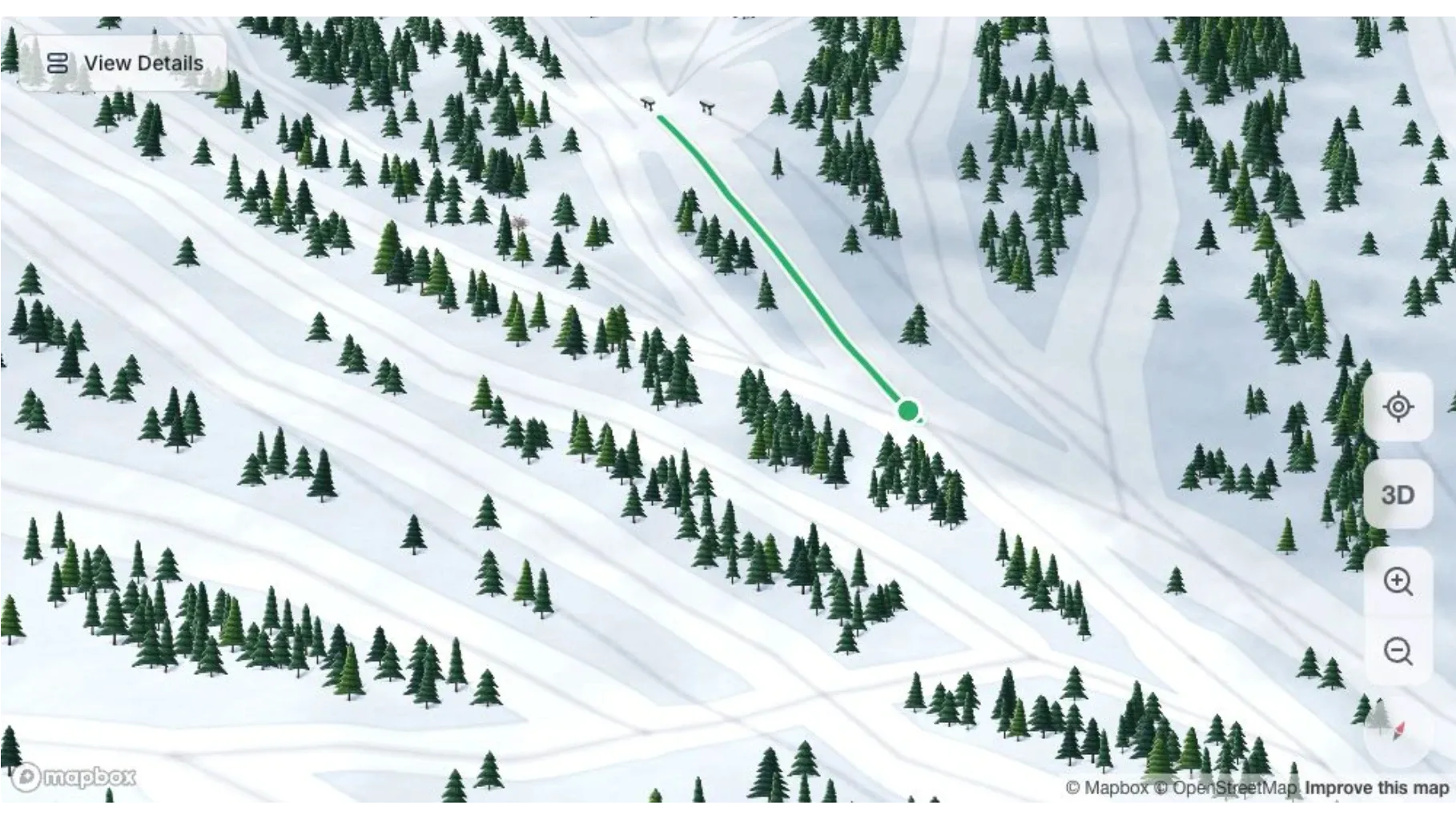
See slopes, trails, and the landscape from different perspectives.
Show guests where activities, dining, parking, and amenities are in relation to each other.
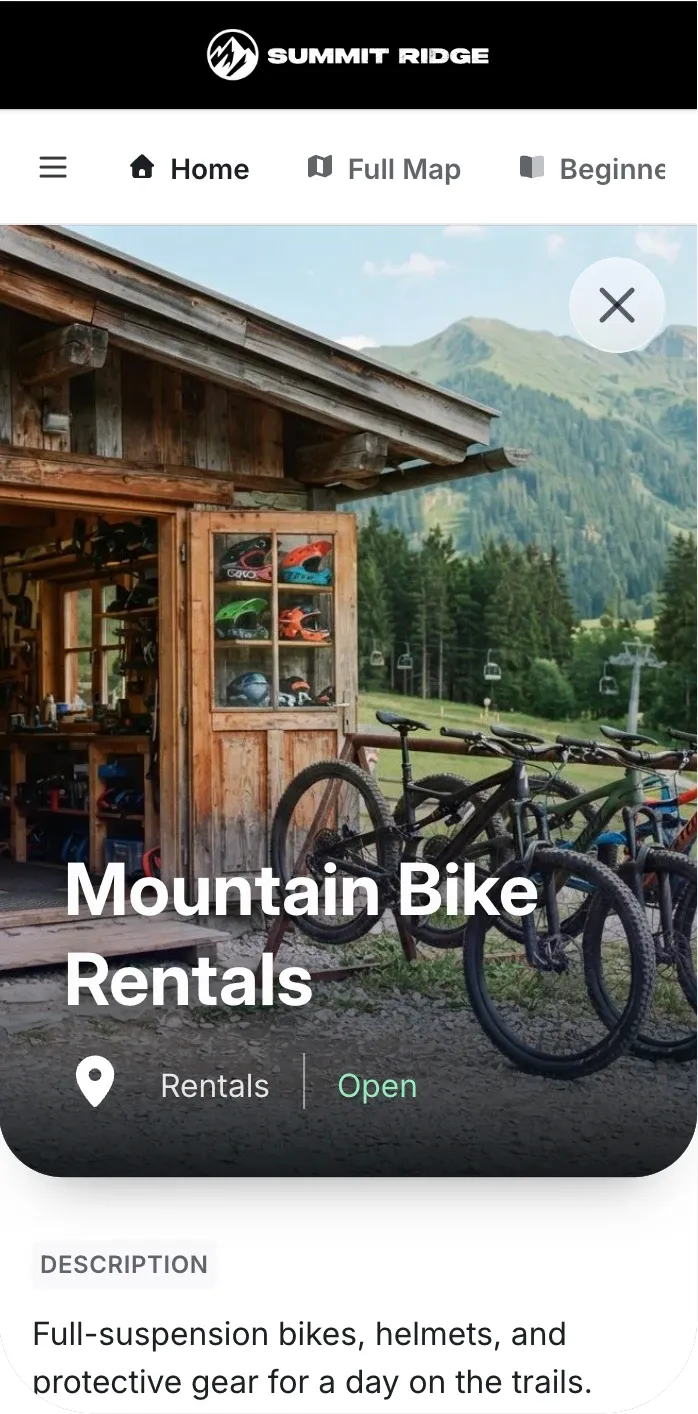
Open a place directly from the map to discover what it offers.
Show guests what a place offers, when it’s open, and where to find it. Hours, photos, and useful details are available directly from the map.
Help guests get their bearings and make plans together. They can see their location, save places for later, and share a meeting spot—all within your resort map.

Update a place in Corvar, and maps using that place reflect the change. Your team maintains the information once, even when it appears in several maps.
Keep hours, photos, descriptions, and other place details together in Studio.
Bring the operating status and conditions your team manages in Corvar into the map.
Curated maps draw on the same place details as your full resort map.
An interactive map lets guests click and explore. Corvar also connects that exploration to the information your team maintains: place details, hours, operating status, conditions, and alerts. Guests can see what’s happening and where it’s happening together, while your team keeps the underlying information current.
Maps draw on the information your team manages in Corvar. When a place’s details or operating status change in Corvar, maps using that information reflect the update. We can review your existing data sources and integration needs during the demo.
No. Guests can open the map in a browser from a link or QR code. You can also embed it in your website or existing app. Guests choose whether to allow access to their location.
There is nothing to prepare beforehand. We’ll build a map of your resort for the demo, so you can explore familiar places and discuss what your team would need for launch.
We’ll prepare your resort’s map before the demo, so you can explore familiar places and see how guests would use it.